Example usage
Input data
As input, you can use outputs of the most popular bioinformatic predictors of circRNAs such as CIRI2 (Gao, et al., 2018) , KNIFE (Szabo, et al., 2015) , CIRCexplorer2 (Zhang, et al., 2016) , find_circ (Memczak, et al., 2013) , circRNA_finder (Westholm, et al., 2014) , DCC (Cheng, et al., 2016) , mapsplice (Wang, et al., 2010) as well as common BED files.
Note
The BED file must contain the first 4 fields (chrom, chromStart, chromEnd and name). The remaining fields, depending on those received using various circRNAs predictors, are optional.
From file: Upload the local BED file from your computer
Input form: Fill out the form manually or paste the copied data

Reference genome
Choose the reference genome from list.

Note
Currently only the option of automatic detection by ID sequence from the ncbi database is available. The ability to add an custom genome is actively underway and will be available soon.
Additional options
If necessary, change the default search parameters
See Parameters
Run “Search” button to start
Ouput
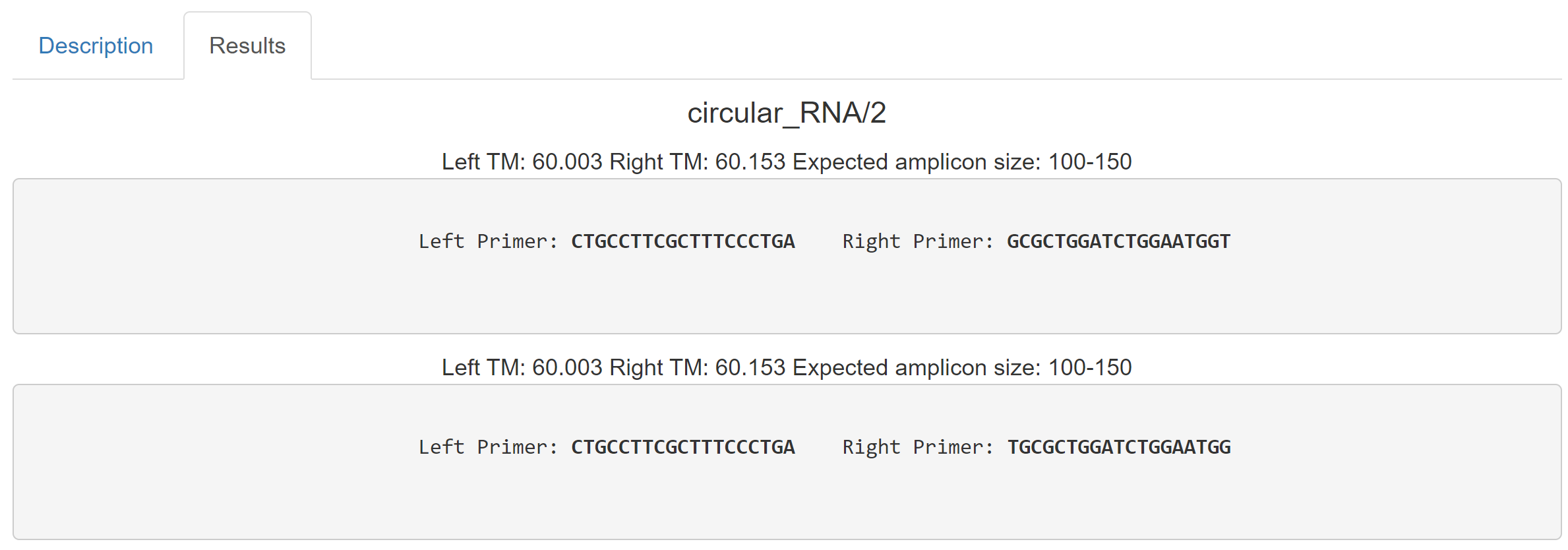
The output page has two tabs and describes the input settings. The Description tab contains information about the circRNA coordinates.

The Results tab contains sequences of selected primers and PCR condition development